Deployment and setup
Installed, configured and branded for your organization.
When an online service slows down or goes offline, the people who rely on it want to know three things quickly: is something wrong, is someone working on it, and when is it fixed. Updates scattered across emails and support replies don’t answer those questions well. Alert Status answers them on one public page, and sends the same updates straight to subscribers by email and SMS.
Each of your services or components is shown with its current status. When something goes wrong, your team posts an incident from the admin dashboard and keeps it updated as it moves from investigating to resolved. Every update is written once and sent automatically to subscribers by email and SMS. Built with Laravel, it sends alerts in the background so posting an update stays instant.
The organizations Alert Status is designed to help.
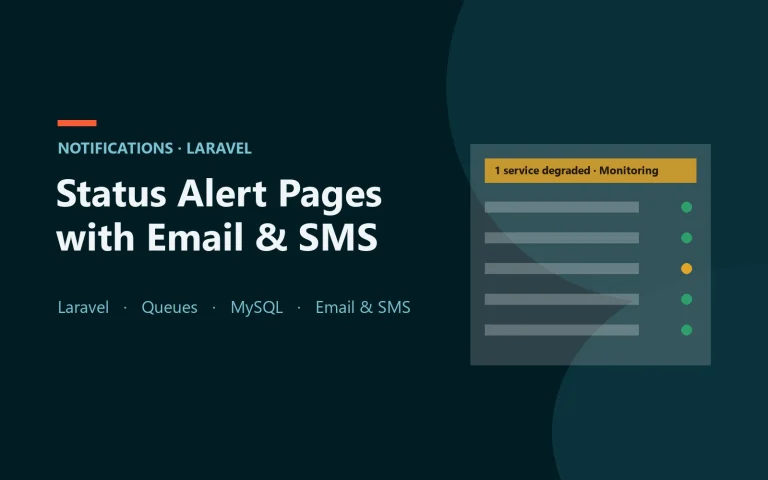
Each service or component shown as operational, degraded performance, partial outage or major outage.
Every incident posted with timestamped updates as it moves from investigating to identified, monitoring and resolved.
Subscribers are emailed automatically when an incident is opened, updated and resolved.
The same alerts sent as short text messages, for people who need to know right away.
Visitors subscribe with an email address or mobile number, confirm it, and can unsubscribe from any message.
Update statuses and post incidents from one screen; subscribers are notified with no extra steps.
Past incidents stay on record, so customers can see how issues were handled.
Responsive status pages, because people usually check status on a phone.
One page for the live status of every service, instead of updates scattered across emails and support replies.
Post an incident and keep it updated as it progresses, all from one dashboard.
Email and SMS notifications reach subscribers wherever they are.
Incident history shows customers how past problems were resolved.
Walk through the status page, the admin dashboard and the alerts.
Agree which services to list, your branding and any changes you need.
We deploy it and style it to match your brand.
Email sending and SMS alerts configured for your subscribers.
Show your team how to post incidents and manage subscribers.
The same team that builds the product can deploy it, adapt it to how you work, and look after it afterwards. Each is scoped and quoted for your setup.
Installed, configured and branded for your organization.
Changes to how statuses, incidents or subscriptions work, scoped and quoted.
Need it to work with your own systems? We scope that as custom development.
Updates, fixes and help after launch, scoped to what you need.
Still have questions?
Tell us about your project and we’ll get back to you with a straight answer.
Yes. Visitors can subscribe with an email address or a mobile number, confirm it, and unsubscribe from any message.
Yes. Statuses and incidents are updated from one admin screen, and subscribers are notified automatically.
Yes. Branding is part of setup, and other changes are scoped and quoted.
Every setup is quoted to your needs, including any customization. Request a quote and tell us what you need.
Yes. Request a demo and we'll walk you through the status page, dashboard and alerts.
Tell us about your organization and what you need. We'll show you the product and send a straightforward quote for setup and any customization — no obligation.